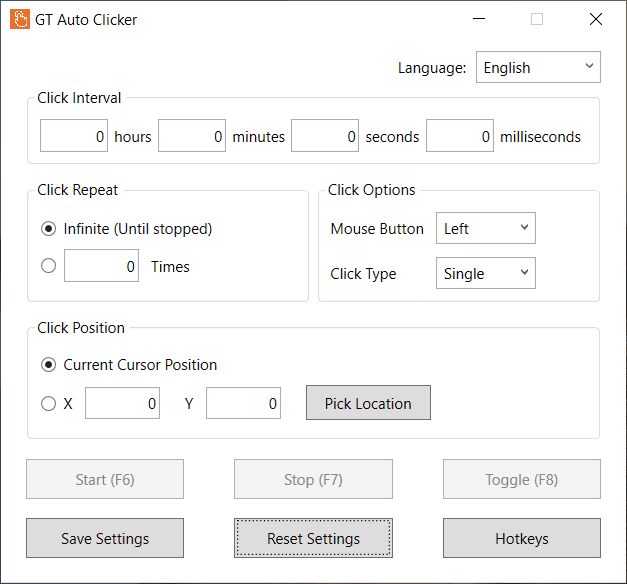
Download

Note:- If the above link is not working, then try downloading from the Microsoft Store.
Minimum System Requirements
| File | GT Auto Clicker |
| Version | 1.0.9 |
| Operating System | Windows 10 or higher |
| Processor | 1 gigahertz (GHz) or faster. |
| RAM | 4GB is recommended |
| HDD | 5GB of free storage space |
| Display | 800 x 600 |
| Graphics card | DirectX 9 or later with WDDM 1.0 driver |
How to Install GT Auto Clicker?
- First, download the “gtautoclicker.exe” file from the given link.
- Once the file is downloaded, browse through the folder where you saved it.
- After that, right-click on the file and then select “Run as administrator“.
- Now the installer will ask for confirmation: “Do you want to allow this app to make changes?“.
- To continue, click the “Yes” button, and the GT Auto Clicker app will start installing.
- Once the app is installed, double-click on the icon and start using it on your Windows system.